The Unorthodox Angle
The best question in creative work right now isn't 'how much AI should I use?' — it's 'where does using it make the work more yours, and where does it make it less?'
There's this specific kind of creative frustration that I think every artist knows. You have a clear picture in your head — vivid, detailed, exactly right — and then you sit down to make it real and the gap between what's in your mind and what ends up on the surface is just... enormous. That gap was driving me crazy recently, and the way I ended up solving it surprised me.
The Problem With Big Work
I was working on a large-scale art piece — and when I say large, I mean the kind of canvas where a single misplaced line throws off the whole composition. The image I had in mind was generated: I'd spent time in a GenAI tool getting it exactly where I wanted it. Proportions, shapes, the way certain elements related to each other. It was done. The problem was getting that image from a screen onto a massive canvas without losing everything that made it work.
Traditional grid methods felt tedious and imprecise for something this detailed. Projectors are great but I don't always have the right setup. And just freehanding it — on a piece that size, at that level of specificity — wasn't going to cut it.
So I Built Something
This is where it gets interesting. Instead of finding a workaround, I went a different direction entirely: I built a tool. With some AI-assisted development, I put together Desktop Tracer — an app designed specifically to help map a generated image onto a large canvas with accuracy. It overlays a guide system onto your image so you can work section by section, keeping the proportions intact as you scale up.
The fact that this was even possible — that the gap between 'I have an idea' and 'I have a working tool' could be closed in a single session — is still kind of wild to me. That's not how tool-building used to work.
What This Actually Says About Creative Process
Here's the thing I keep coming back to: the best creative process right now isn't purely human and it isn't purely machine. It's a collaboration where you have to figure out the ratio. And that ratio isn't fixed — it shifts depending on what part of the work you're in.
The original vision? Entirely mine. AI helped me render it, but the concept, the aesthetic, the feeling I was going for — that all came from somewhere human.
The tool to execute it? That's where AI did the heavy lifting in development, while I directed exactly what I needed it to do.
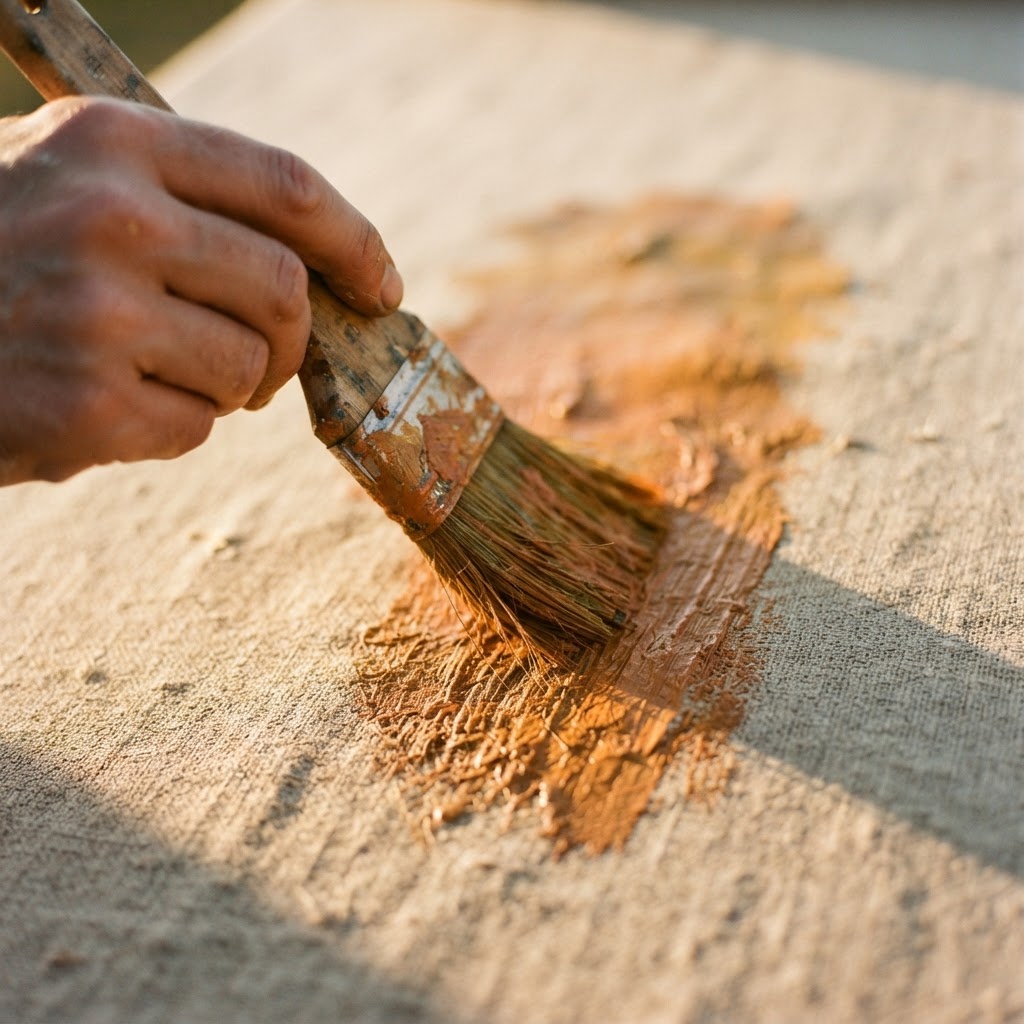
The actual painting on the physical canvas? That's back to fully human. The decisions made in that moment, the texture, the imperfections — those aren't things I'd outsource even if I could.
What I find genuinely exciting is that none of this compressed the creative process — it just removed the specific bottleneck that was blocking it. The art didn't get less mine. It got more possible.
The Question Worth Sitting With
I think the most interesting question in creative work right now isn't 'how much AI should I use?' It's 'where does using it make the work more yours, and where does it make it less?' That line is different for every person and every project. But it's worth finding — because once you know it, you stop treating AI as either a threat to the work or a shortcut through it. You start treating it as a really capable collaborator that's terrible at knowing what you actually want.
Figuring out that boundary is, I think, the most interesting creative challenge of the moment. And Desktop Tracer was one answer to one version of that question. There will be more.