The Studio Assistant Who Never Sleeps
How AI handles creative infrastructure so the artist can make
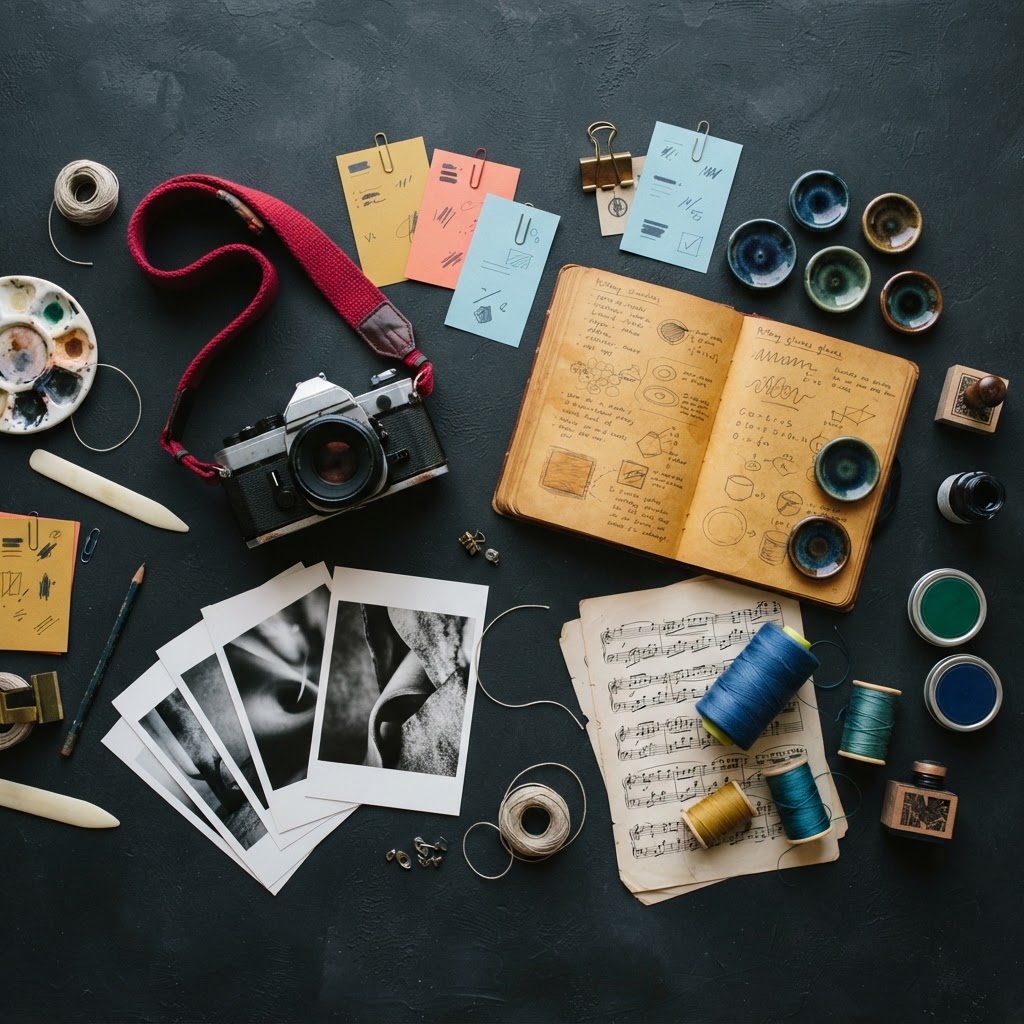
The Unorthodox Angle
Creative careers don't die from lack of talent — they die from infrastructure overwhelm. The AI studio assistant doesn't replace the artist; it replaces the work the artist never wanted to do, and in doing so, preserves the practice.
Every working artist has a studio assistant. Historically, it was an apprentice — someone who stretched canvas, mixed paint, cleaned brushes, organized references, and kept the space functional so the master could focus on the work. The apprentice didn't paint the painting. The apprentice made the painting possible.
AI is the studio assistant. Not the artist — the assistant. And it never sleeps.
The Infrastructure No One Talks About
Creative work has a visible part and an invisible part. The visible part is the object — the painting, the photograph, the sculpture, the mosaic. The invisible part is everything that had to happen for the object to exist: the organizing, the tagging, the cataloging, the documenting, the pricing, the filing, the searching, the sorting.
We talk about the visible part. We don't talk about the invisible part. But the invisible part is where most creative energy leaks out of the system.
The Photography Pipeline as Case Study
The DW8 Photography pipeline is the clearest example I have. 4,463 photos came in from Google Drive. Each one needed 30+ data points to function in a storefront: title, description, alt text, tags, keywords, mood, composition style, color palette, camera data, location data, SEO metadata, pricing.
The AI generated all of it. Not the photograph — the data about the photograph. The invisible infrastructure that makes a photo findable, sellable, filterable, and discoverable.
Without the AI, that infrastructure would require nine weeks of manual data entry. With the AI, it happens in minutes. The photographer's job didn't change — they still take the photos. But the work that surrounded the photography — the work that nobody became a photographer to do — got automated.
That's the studio assistant pattern. The assistant handles the infrastructure so the artist can handle the art.
The Documentation Problem
ArtFlow Timelapse solves a different version of the same problem. Artists working across multiple concurrent projects want to document their process. Process documentation is valuable — for teaching, for social media, for portfolio building, for selling the story behind the work.
But process documentation requires stopping to document. Setting up a camera. Starting a recording. Remembering to capture. Editing the footage. These are all infrastructure tasks that interrupt the creative flow.
ArtFlow handles it automatically. The webcam captures the work session. The system stitches timelapses. The artist makes the work. The documentation happens in the background, like a studio assistant who quietly photographs each stage without being asked.
The Organization Problem
PhotoFlow AI handles culling and tagging — the post-shoot ritual that every working photographer dreads. You come back from a shoot with 500 images. Thirty of them are good. Finding the thirty is not creative work. It's sorting work. It's the work that makes photographers question their career choices.
The AI culls. It rates. It tags. It sorts. Not with the taste of a photographer — with the speed of a machine that can look at 500 images and identify the ones that are technically sound, well-composed, and in focus. The photographer still makes the final call. But the AI narrows 500 to 50 in seconds, so the photographer spends their judgment on the 50 that matter instead of the 500 that don't.
The Pattern Across Disciplines
The studio assistant pattern extends to every creative field:
A potter needs to track glaze recipes, firing schedules, inventory of clay and materials, which pieces sold and which didn't. AI can manage all of it — logging recipes with results, predicting outcomes, tracking inventory, analyzing sales patterns. The potter throws the pot. The assistant runs the business.
A composer needs to manage scores, track revisions, organize recordings, catalog compositions by ensemble and difficulty. AI can organize the catalog, suggest related works, track which pieces are performed and which aren't. The composer writes the music. The assistant keeps the archive.
A textile artist needs to track patterns, yarn inventory, dye recipes, project timelines, commission status. AI can manage the workflow, predict dye outcomes, suggest complementary patterns. The artist weaves. The assistant tracks.
A printmaker needs to manage edition numbers, plate inventory, paper stock, press schedules, pricing across editions. AI can track editions, manage pricing tiers, alert when stock is low. The printmaker pulls the print. The assistant runs the shop.
Why This Matters
The reason this matters isn't that it saves time — though it does. The reason it matters is that creative infrastructure is where careers die.
I've watched talented artists abandon their practice because the infrastructure overwhelmed them. The photographer who stops shooting because the backlog of unedited photos is too large. The potter who stops throwing because the glaze notebook is a mess and nothing is where it should be. The composer who stops writing because the score library is unsearchable and every new project starts with an hour of looking for something they wrote three years ago.
The studio assistant pattern doesn't just save time. It preserves creative careers. It keeps the artist in the studio instead of in the spreadsheet.
The Edge Cases
There's a limit to what the assistant should do. The AI shouldn't choose which photos to feature — that's a curatorial decision. It shouldn't set prices — that's a market decision. It shouldn't decide which glaze recipe to try — that's a creative decision.
The assistant handles the work that doesn't require judgment. The moment judgment enters the picture — aesthetic judgment, market judgment, creative judgment — the human takes over. The line is clear: the assistant organizes, the artist decides.
What I'm Building Toward
The Creatorverse tools I've built so far each solve one piece of the studio assistant problem. Desktop Tracer handles reference preparation. MUUZ handles inspiration delivery. Color Collector handles palette sourcing. ArtFlow handles process documentation. PhotoFlow handles culling and tagging. DW8 Photography handles metadata at scale.
What I'm building toward is the unified studio assistant — the system that knows your practice, your materials, your catalog, your process, and your goals. The system that prepares the studio before you arrive and cleans it up after you leave. The system that remembers what you were working on last Tuesday and what you wanted to try next.
The studio assistant who never sleeps doesn't replace the artist. It replaces the work the artist never wanted to do in the first place.